|
1
|
|
|
2
|
- Storage and access of text
|
|
3
|
|
|
4
|
- LoC NUS U Toronto
- Library Type Gov’t Acad Acad
- Books and manuscripts 57 M 2M 9.1 M
- Maps 4 M 278 K
- Photographs 13 M 12.5 K 622 K
- Music .5 M 186 K
- Motion pictures .5 M 21 K
- CD-ROM Databases 156 2.1 K
- Question: is the distribution of what we’d like in the digital library
the same as in the automated library?
|
|
5
|
- Representation / Digitization
- Textual images
- Images
- Audio
- Coordinated multimedia
|
|
6
|
- Raster graphics
- Vector graphics
- Which format appropriate for which images?
- Maps
- Photographs
- Line art
- For which use?
- Fidelity?
- Re-scaling?
- Compression?
|
|
7
|
- GIF (‘jiff’, Graphics Interchange Format)
- Stable, lossless color format
- Compression achieved by:
- 8-bit format (256 colors)
- LZW encoding (Unisys patent)
- _______________________________
- Interlacing options for low-bandwidth accessibility
- PNG (‘ping’, Portable Network Graphics)
- Uses public-domain variant of LZW, gzip
- Up to 48 bits of color (compared to 8 in GIF)
- Support for ____________________ and _______________________
|
|
8
|
- Breaks image into 8×8 pixel blocks, each pixel 24 bits (YUV channels = 3×8
bits each)
- Compresses each block separately, without reference to neighbors
|
|
9
|
- Transform yields coefficients
- Ordered from low frequency (gradual change) to high frequency
- Gradual changes well represented
- JPEG 2000 incorporates wavelet compression
|
|
10
|
- A programming language whose operators draw graphics on the page.
- Text is a deemed a type of graphic
- To “draw” a page, you construct a paths used to create the image.
- A stack based, usually interpreted language
- Uses reverse polish notation
|
|
11
|
- A method to place some text down the left margin of the a page.
- You can use this after the marker for the beginning of a page.
- gsave % save graphics state on stack
- 90 rotate % rotate 90 degrees
- 100 .55 -72 mul moveto % go to coords 100, (.55*-72)
- /Times-Roman findfont % Get the font (set of operators) Times-Roman
- 10 scalefont % set the font size
- setfont % Use the specified font
- 0.3 setgray % Change the color to gray
- (PUT NOTE HERE) show % call the individual operators P,U,T …
- % to draw letters
- grestore % restore the graphics state
|
|
12
|
- An object database
- Subset of Postscript, makes it faster to process
- Can use several different compression techniques (e.g., LZW and
Huffman)
- Proprietary
- Has capabilities for hyperlinks
|
|
13
|
- Limit representation to what people can hear
- Humans: __________________
- Highest frequency (pitch) determines storage size.
- Speech: _______________
- Music: _________________
- Can be referred to as its bandwidth
|
|
14
|
- Take continuous signal and discretize
- Higher sampling rate = better fidelity
- Nyquist and Shannon show minimum sampling rate = 2 × bandwidth
- Music: full dynamic range: _______________
- Speech: ______________
|
|
15
|
- Sampling at these time intervals to get amplitude of signal
- a total of ~30-60 dB in loudness
- Human ear more sensitive to soft sounds
- Compand amplitude (use log scale to more precisely represent low
volumes)
- 1 or 2 bytes
- For each time interval, may have to sample one or more channels
- Differential coding (joint stereo)
- Dolby AC 3 = __________________
- Stereo = 2 channels
|
|
16
|
- Digital Music:
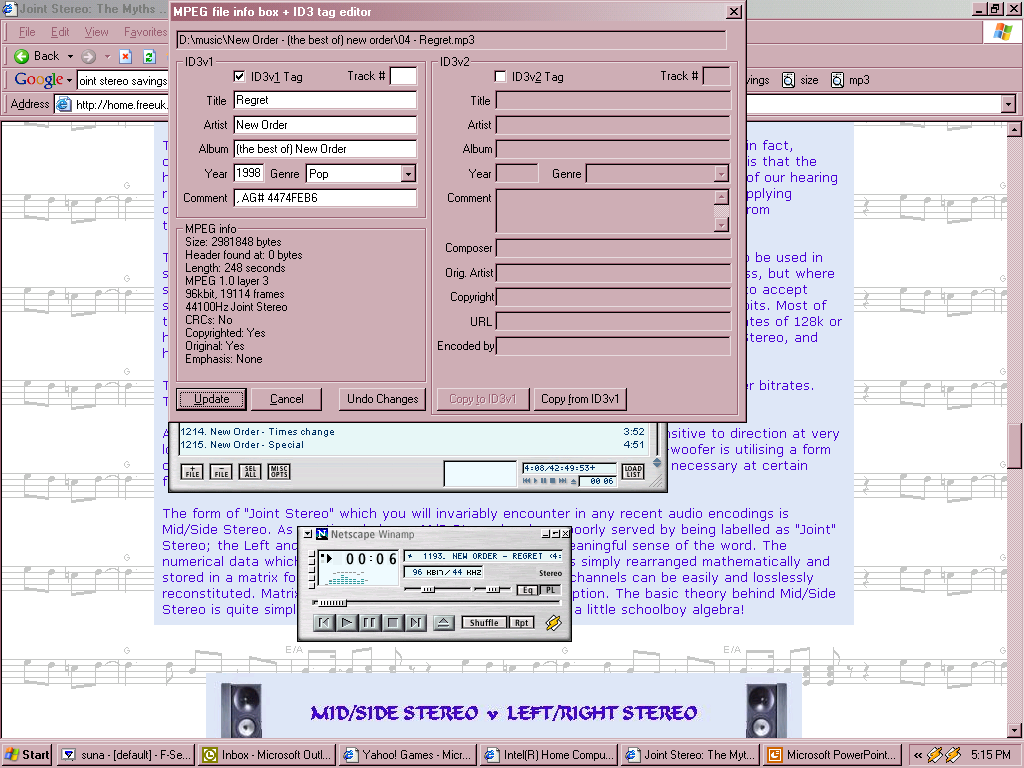
- 44 K samples/sec × 16 bits/sample ×
2 channels = ~1.4 M bits/sec
- Digital Voice:
- 8 K samples/sec × 8 bits/sample ×
1 channel = ~64 K bits/sec
- Analog
- FM stereo: 40 K samples/sec × 8 bits/sample ×
3 channels = ~900 K bits/sec
- Telephony: ~6 K samples/sec × 2 bits/sample ×
1 channel = ~12 K bits/sec
- Formats
- MP3: ___________________________
- GSM: __________________________
|
|
17
|
- Have multimedia, will travel…
|
|
18
|
- A basis for many other technologies
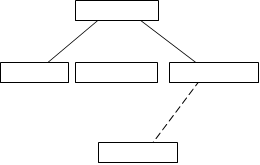
- No semantics (eXtensible, not rigid), just allows for hierarchical
containment
- A meta markup language
|
|
19
|
- Features:
- Separation of content from presentation
- Content: Document Type Definition (DTD), optional
- Presentation: CSS, XSLT
- Enhanced hyperlinking capabilities
- Bidirectional linking
- ________________________
|
|
20
|
- To encode knowledge “of literary
and linguistic texts for
online
research and teaching”
- better interchange and integration of scholarly data
- support for all texts, in all languages, from all periods
- guidance for the perplexed: what to encode --- hence, a user-driven
codification of existing best practice
- assistance for the specialist: how to encode --- hence, a loose
framework into which unpredictable extensions can be fitted
- The “beef” in XML. All the
semantics and none of the filling.
It’s quite filling, weighing in at 600 K words! (Think 8 kg of
books)
|
|
21
|
- A script for orchestrating a presentation
- Basics:
- Define a root window
- Layers
- Timing
- <par> parallel playback
- <seq> sequential playback
- Media clips have begin and end attributes
- To think about: what’s the alternative format to SMIL? How does it enhance presentation?
|
|
22
|
- Representation of knowledge
- The more you know about the media, the faster, smaller you can transmit
and store it
- Different formats for different purposes, difference isn’t superficial
- Multimedia representation
- Trend toward accessibility, not compressibility
- Separation of compression from format
|
|
23
|
- More on SMIL: http://www.bu.edu/webcentral/learning/smil1/
- SMIL demos: http://www.ludicrum.org/demos/SMILTimingForTheWeb-Demos.html
- Genomic DL indexing and retrieval: http://goanna.cs.rmit.edu.au/~jz/fulltext/ieeekade02.pdf
- JPEG: Pennebaker and Mitchell (93), The JPEG Still Image Data
Compression Standard
- TEI Pizza talk:
http://www.tei-c.org/Talks/
|

 Notes
Notes